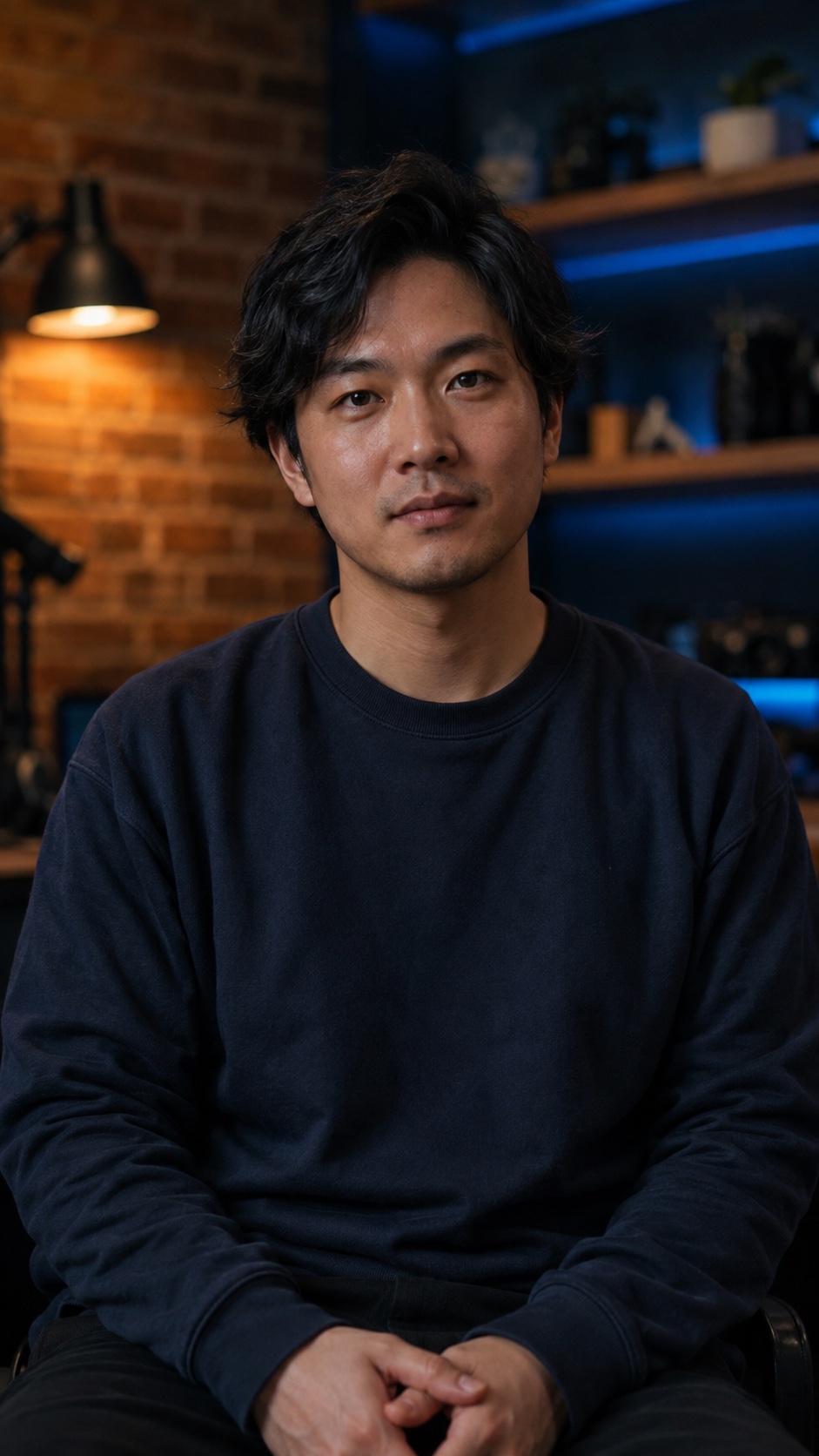

A great story.
Already in your footage.

A local-first video editor for people with something to say.
Turn talking-head recordings into considered edits,
readable captions, and Shorts that keep the whole idea.

Made for Mac
Illustrative walkthrough · 14 seconds · No soundTry the interactive tour

A synthetic sample follows a sentence in the transcript, removes a false start without changing the original, then demonstrates caption emphasis and a gentle punch-in. This is an animated illustration, not a recording of the desktop application.

A story-first workflowReviewable, reversible editsYour media stays local

From a folder of takes
to a story worth finishing.

Give every take, caption and creative decision a place in the same story. Start with what you recorded. Keep what matters.

Take the product tour
Edit planSample project

Remove the false start.

00:12–00:18 · Speech cleanup

Suggested

I used to think being creative meant always having something new to say.

And, um… no. Let me say that again.

But the best ideas usually arrive when you give yourself a little room.

Why this change?

The speaker restarts the sentence. The complete thought follows, so the false start can be removed without losing the point.

Your originals stay untouched. Every creative decision starts with you.

The details that make
an edit feel like yours.

Natural pacing. Relevant cutaways. Captions that belong. Bring the details together without losing what makes the story yours.

Edit the thought,
not just the timeline.

Use the transcript to find a sentence, compare a retake, or return to the original moment. The words, source and timeline belong together.

First attempt

What I’m trying to say is…

Incomplete thought
Complete take

Start with one idea.
Give it room to land.
Suggested keeper · reviewable

Let the important
words stand out.

Choose a caption treatment that supports the story. Try three visual styles on this sample.

Make room forthe good ideas.

Show it when
you say it.

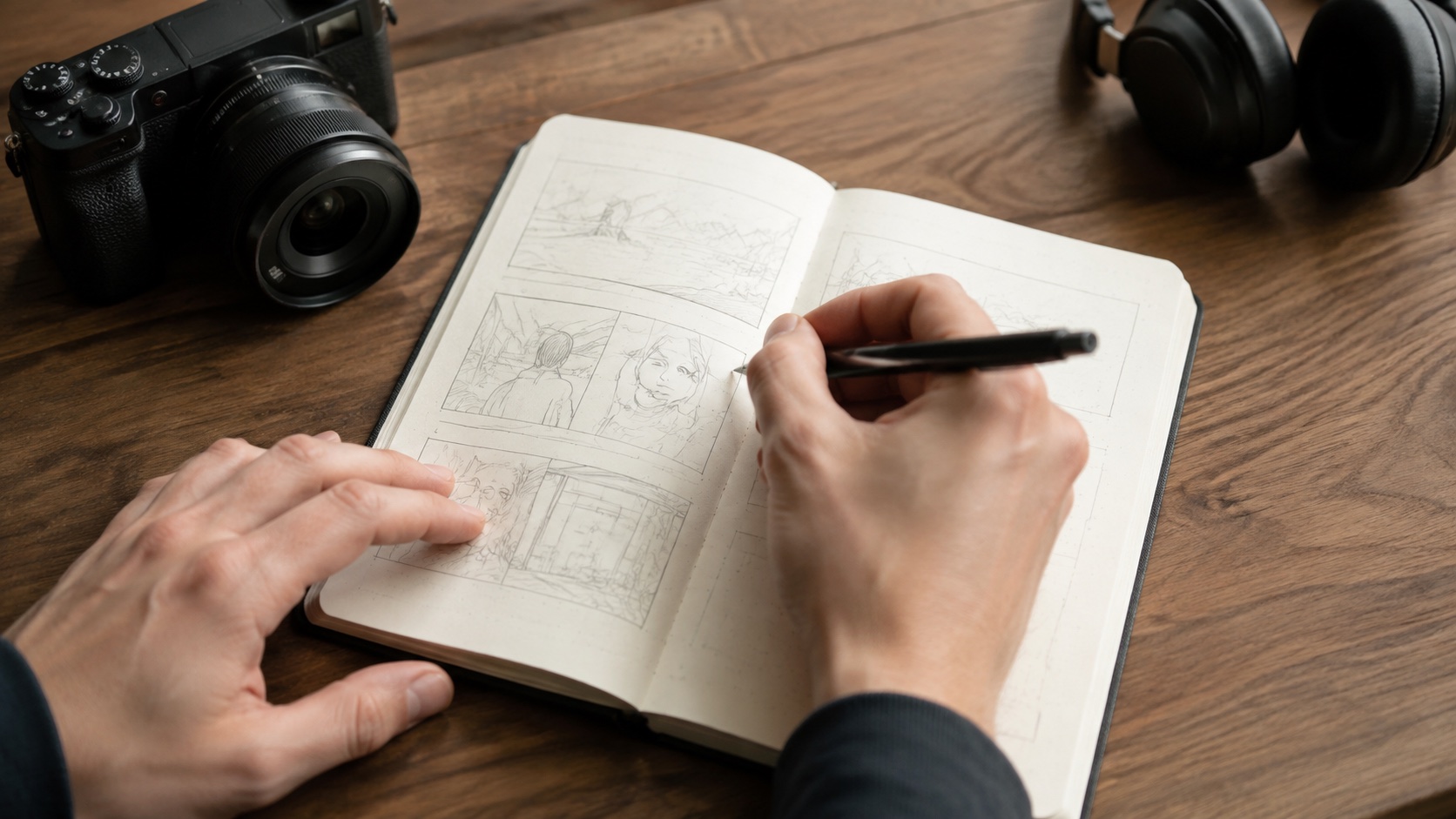
Give an idea something to look at. Bring your screen recordings, close-ups and personal footage into the story, right where they belong.

Synthetic B-roll of a creator sketching a storyboard beside a camera00:32–00:39
“I start by putting the idea on paper.”
Studio detailsIllustrative match

Your taste.
Not an AI house style.

Set boundaries for pacing, punch-ins and filler-word removal. A thoughtful edit can keep a breath, a laugh, or a moment of silence.

Conversational
PacingBalanced
Punch-insRestrained
Keep natural breathsPreserve laughter

A smaller frame.
Not a smaller idea.

A good Short needs more than an attention-grabbing line. Find the opening, keep the context, and give the idea a payoff worth staying for.

  • Review the surrounding source
  • Shape the frame and captions
  • Keep the long-form project connected
Explore Motionlark Shorts
Fictional creator in a bright studio, used in a synthetic Short exampleYou don’t need
another take.
00:28
A clear opening
Fictional creative educator in a dark studio, used in a synthetic Short exampleStart with
one good idea.
00:42
A complete thought

Your footage is your work.
It stays in your space.

Source video doesn’t belong in an AI prompt. Motionlark separates optional online reasoning from the native engine that works with your media.

Explore Motionlark’s privacy approach
On your computer
Source footageTranscript & edits.ovio project
Your media stays on this side of the boundary.

Optional online reasoning

Disclosed text and structured metadata only. Never source footage, decoded frames or audio buffers.

Blocked in Local Only mode

Your originals stay original

Edits describe what changes. They don’t overwrite the source files you recorded.

Room to change your mind

Revisit a cut, restore a moment, or take a different direction. Your edit history keeps the way back.

A project you can reopen

Keep your edits and recovery snapshots together in a local project, on your own computer.

A little more
about Motionlark.

Who is Motionlark for?

Motionlark is for creators with something to say: tutorials, explainers, personal stories, and ideas worth sharing. The workflow centres on single-speaker, talking-head videos.

How can I explore the editor?

Take the product tour in your browser. Try a reversible cut, change the frame, and explore captions—no account or footage upload needed.

Does my footage have to be uploaded?

Your original recordings belong on your computer. Motionlark’s local-first approach separates source media from optional online reasoning, which is restricted to disclosed text and metadata.

Do I have to accept every suggested edit?

No. Review the reason behind a suggestion and decide what stays. Your original files remain untouched, and reversible edits leave room to change your mind.

What makes a good Short?

A complete idea, not just a strong opening. Look at the setup, the surrounding context, and the payoff before choosing a moment to share.

A little craft.
A better edit.

All editing guides

Make the edit.
Keep the point of view.

Explore how Motionlark brings the words, the footage and your judgment into one workspace.

Take the product tour Motionlark for Mac